Local Generator
Color Tap me Image Generator
Input
Drag & drop image here
Or click to select PNG / JPG / WebP
Action
Load an image to process.
Pre-processing
Guidelines for X
- Single images with aspect ratios between 2:1 and 3:4 are displayed more fully.
- A good rule of thumb is to use dimensions of 2048 px or more on one side.
- Do not go below 4096 px, as X's compression may cause color artifacts.
- For A/B composite, the dimensions of image A and image B must match exactly. Only the fully transparent areas of A reveal the underlying B' pixels.
- For Paint composite, the painted region is treated as visible before tap. Unpainted regions become transparent via the checkerboard pattern.
Before
After
Pixel Value Distribution
Original
Gamma Corrected
Output
Palette Used (256 colors)
Color Mode: Indexed Palette | Index 255 = Transparent (0,0,0) | Click for details
Examples
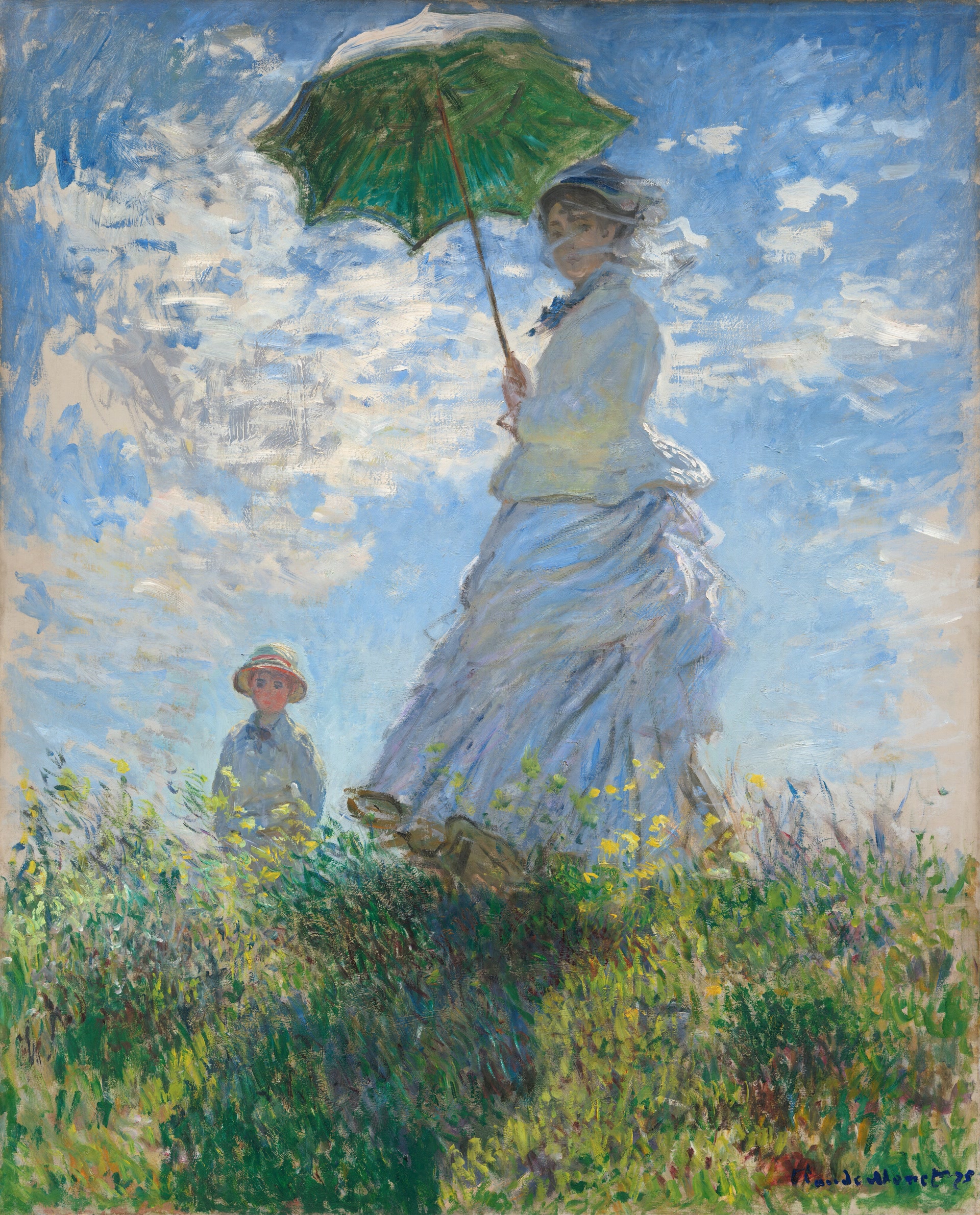
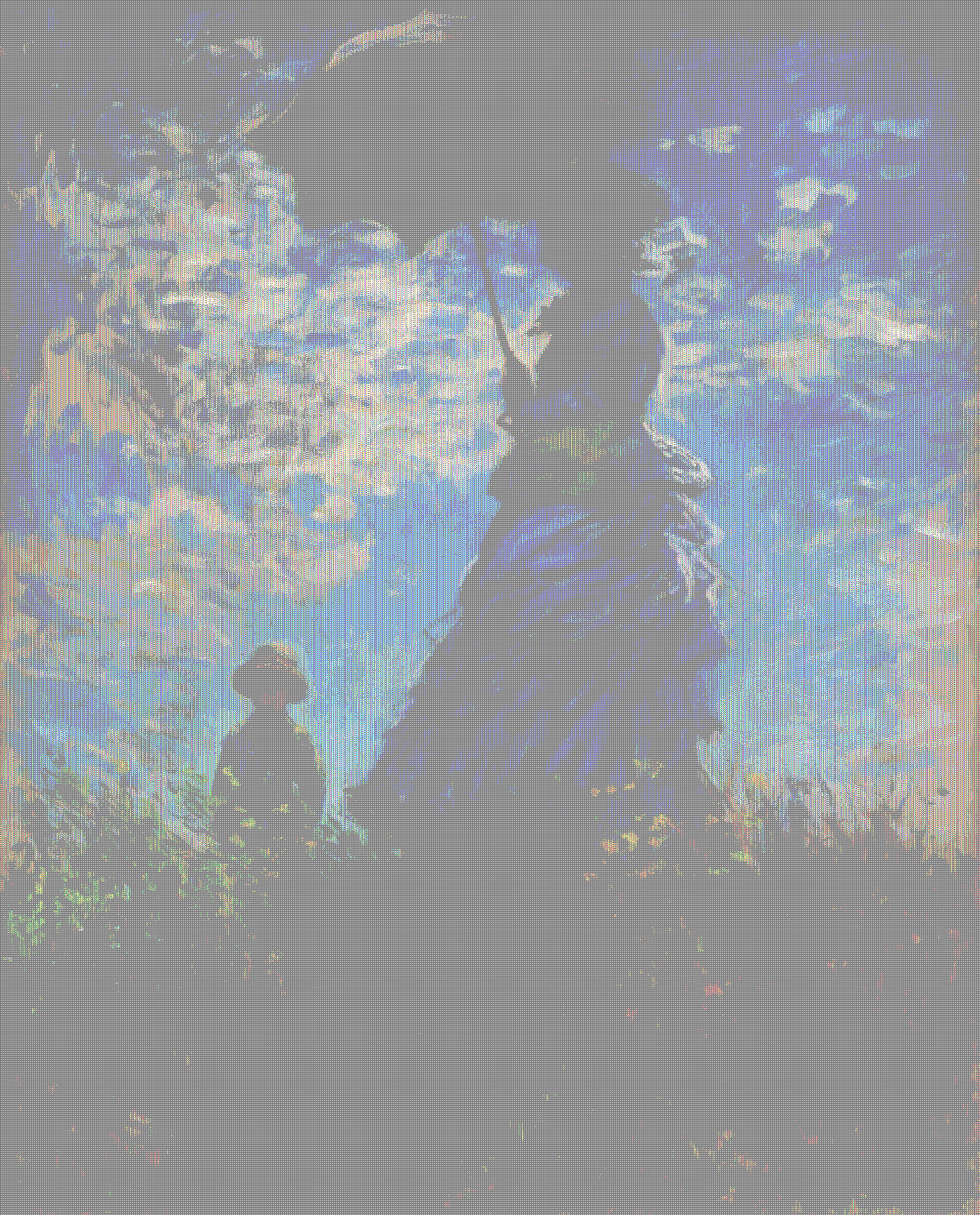
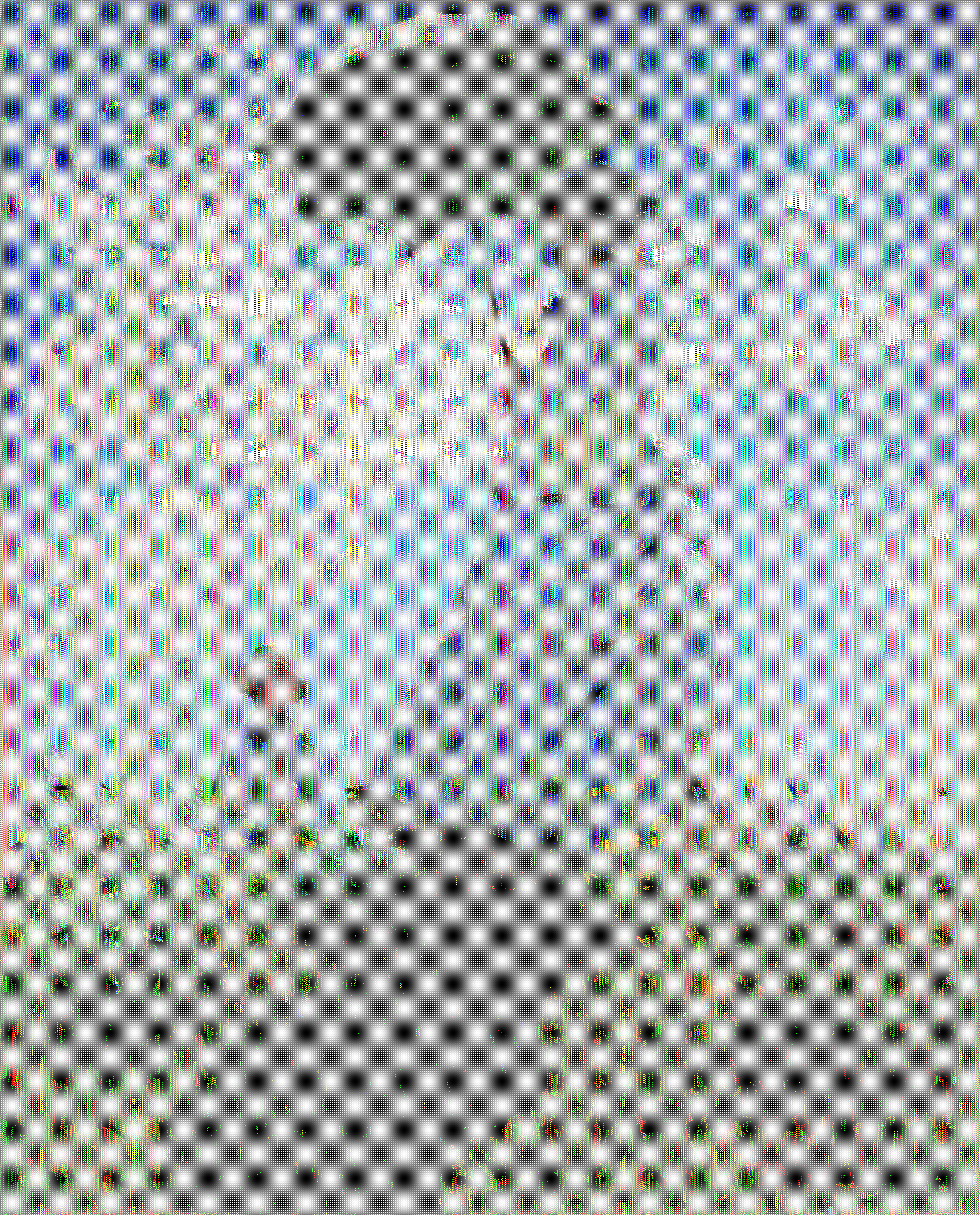
— だれあか (@dare_aka2) April 15, 2026
いろんな色で pic.twitter.com/tKjCsXAwD0
— だれあか (@dare_aka2) April 15, 2026
Example image attribution
Claude Monet, Woman with a Parasol – Madame Monet and Her Son (1875)
- Source: National Gallery of Art / Wikimedia Commons
- Source URL: https://www.nga.gov/artworks/61379-woman-parasol-madame-monet-and-her-son
- Rights status: Public domain / CC0-provided open-access image
- Modifications: Resized for repository example use
- Credit: Courtesy National Gallery of Art, Washington